

I was halfway through an article about Claude Code when I caught myself nodding along to advice about git workflows and terminal commands. Things that have nothing to do with how I actually use AI day-to-day.
Not because the developer stuff was interesting. Because buried underneath all of it was something I’d been wrestling with in my own work. The why behind AI going sideways on me.
This week, I read two genuinely excellent articles. Both about Claude Code, which is a developer tool that lets programmers use Claude directly from their terminal instead of the chat interface most of us use. One is even trying to bridge the gap for non-developers. But even that one assumes you’re writing code, managing files, and running commands.
The ideas underneath all of that? They’re not about code at all. They’re about how to work with AI better. And they apply whether you’re a developer or a business owner typing into Claude’s chat window.
So I dug them out. Here’s what I found.
(The articles, if you want the originals: Practice Makes Claude Perfect by Julia Diez, and Claude Code Skills, Commands, Hooks & Agents Guide by Dheeraj Sharma. Both worth reading if you’re technically inclined.)
It’s not a magic box. It’s a contractor.
Julia Diez opens with a reframe that I keep coming back to: Claude isn’t an assistant. It’s “a brilliant contractor who has no memory between work sessions and can only hold a certain number of things in their head at once.”
“A brilliant contractor who has no memory between work sessions and can only hold a certain number of things in their head at once.”
— Julia Diez
In the developer world, this means creating special files that brief Claude Code on the project before every session. Developers literally write a briefing document that loads automatically so Claude knows what it’s working on, what matters, and what the rules are.
You and I don’t have that automatic setup. But we need the same habit.
Why does AI keep missing the mark even when you’ve used it for months? You’re not briefing each session. Yes, Claude has memory now, and it might remember your name and some preferences.
But that’s not the same thing.
Memory is like knowing your contractor’s phone number. A briefing is sitting down with them Monday morning and saying: here’s what we’re working on this week, here’s what matters, here’s what done looks like.
Why does it drift on longer tasks? You handed over a big job without scoping it. Why do results get worse the longer a conversation goes? The job site got cluttered, and nobody cleaned it up.
I’ve done every one of those things. Still do, when I’m rushing.
The developer fix is a special file. Your fix is simpler: at the start of any significant AI task, take thirty seconds to tell Claude what you’re working on, what matters, what the constraints are, and what “done” looks like. Not a novel. A few sentences of context. The kind of thing you’d tell a smart freelancer on day one.
More instructions actually make AI worse.
This one surprised me.
Developers spend a lot of time writing rules and instructions for Claude Code to follow. Sharma’s article gets into the specifics of how to organize them, where to put them, what format to use. But the insight underneath all that structure is simple and it applies to everyone:
If you’ve ever given AI a detailed set of instructions and watched it nail the first few tasks but get progressively sloppier, there’s a reason. AI can only hold so many rules in its head at once. Add too many and quality doesn’t just drop on the extra ones. It drops across all of them.
Developers discovered this the hard way. They’d write hundreds of lines of instructions and wonder why Claude started ignoring the important ones. The fix was cutting back to only what actually mattered for the task at hand.
Same thing applies when you’re setting up a Claude Project or writing a system prompt. Every vague, redundant, or low-priority instruction isn’t just noise. It’s competing with the things that actually matter.
I’ve been guilty of this. Long system prompts full of “nice to have” preferences that I never pruned. If you’ve noticed your detailed instructions working less well over time, this might be why. Short, specific, high-stakes rules outperform long lists of preferences every time.
Plan before you produce.
Julie writes about a Claude Code feature called “plan mode” that forces Claude to map out its approach before it writes any code. Developers use it because building the wrong thing wastes hours.
You don’t need plan mode. You just need to ask.
Her prompt translates directly: “Before you start, walk me through your approach and flag any assumptions you’re making.”
I’ve started using this in almost every session. The reason it matters isn’t technical. AI, like most of us, defaults to action over thinking. Give it a task and it starts producing. That feels like progress. Often it isn’t.
When you ask AI to plan first, you get two things. It thinks through what it’s about to do. And you get a chance to catch misunderstandings before they become a finished draft heading in the wrong direction.
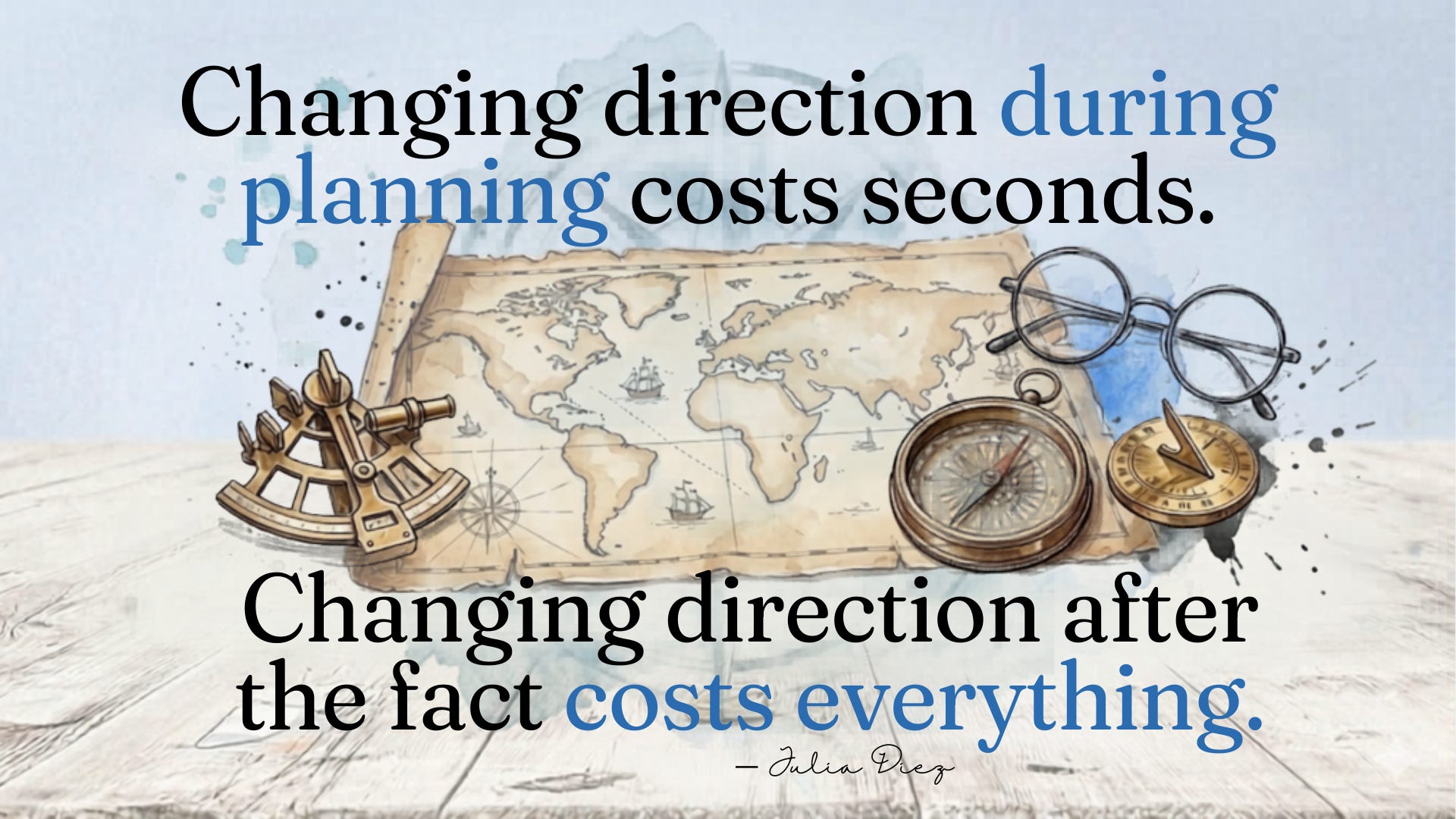
Diez puts it simply: changing direction during planning costs seconds. Changing direction after the fact costs everything.
Worth trying once before you dismiss it. Next time you have a real AI task, start with “before you begin, walk me through how you’d approach this.” See what comes back. Redirect if needed. Then let it go.
One conversation shouldn’t do everything.
Both articles land in the same place: a general AI loaded up with everything you’ve ever needed performs worse than a focused AI given only what it needs for the task at hand.
Developers solve this by building separate configurations for different types of work. They create specialized setups that load only the rules and context relevant to a specific job.
For the rest of us, it’s simpler than that. Stop asking one conversation to do everything.
I see this with my own work. I’ll start a session doing email drafts, pivot to client research, then ask for a proposal outline. All in the same thread. And then wonder why the proposal feels off.
The fix is almost boring. Start fresh conversations for different kinds of work. If you use Claude Projects, give different types of work their own project instead of loading one up with everything.
Smaller scope, sharper results. That’s it.
What I’m actually taking away
The problems both articles tackle are ones you’ve probably had too. AI that forgets, drifts, underperforms, and goes sideways. Developers just got to the solutions first because their tools forced them to think about it.
Brief it like a contractor. Keep your instructions tight. Ask it to plan before it produces. Stop asking one conversation to hold everything.
Not a technology problem. A workflow problem. And it’s one you can start fixing today.
If any of this shifted how you’re thinking about your own AI use, I’d love to hear what clicked. Hit reply and tell me.
DigiNav Compass is for business owners navigating AI decisions on their own terms. If this helped, forward it to someone who’s been frustrated with their AI results lately.
Inspired by information in: Practice Makes Claude Perfect by Julia Diez and Claude Code Skills, Commands, Hooks & Agents Guide by Dheeraj Sharma
Implications for the Future
Slow but Steady Shift: AI hasn’t yet caused mass layoffs, but job growth projections through 2034 are lower in highly exposed professions.
Skill Adaptation Needed: Workers in exposed fields will need to pivot toward AI-augmented roles rather than purely manual or routine tasks.
Policy & Regulation: Anthropic is building an early warning system to track disruptions, signaling that governments and industries are preparing for potential shocks.
Risks & Trade-Offs
Hiring Slowdowns: Younger workers may find fewer entry-level opportunities in exposed sectors.
Economic Inequality: Higher-paid professionals could face displacement, challenging assumptions that automation only affects low-wage jobs.
Global Impact: Countries with large IT and service sectors (like India) face heightened risks, especially in BPO and routine digital work.