

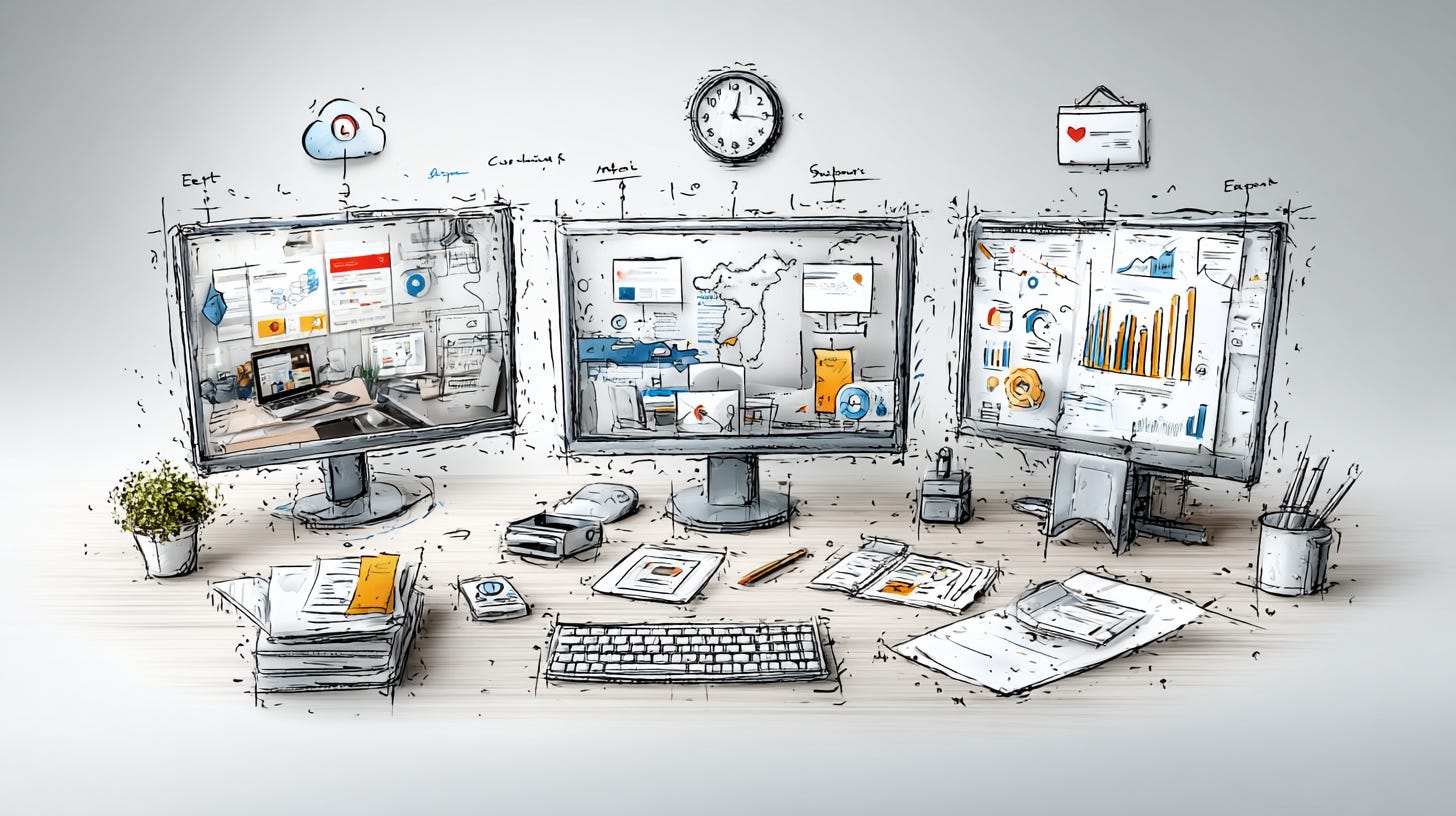
Two lightweight experiments that solved a problem I didn't know I had.
My son’s birthday is New Year’s Eve.
For the last 30+ years, the week between Christmas and New Year’s isn’t about wrapping up and relaxing. Between birthday logistics and the last week of the current year, I usually don’t take my breather before January hits.
The “new year, new me” energy doesn’t land for me until January 3rd at the earliest.
By then, everyone else is already running.
I used to fight that timing. Now I work with it.
These last few weeks, I’ve been running lightweight experiments... not to overhaul anything, just enough to keep my head in the game.
Two of those experiments connected in a way I didn’t expect.
A Simple Weekly Planning System (Built in Claude)
I created a simple planning system called the Weekly 5.
The idea: Pick five things each week that advance DigiNav. Not necessarily revenue-generating, just forward motion.
Sometimes it’s a new experiment. Sometimes it’s cleanup and organization. Sometimes it’s learning something I’ve been putting off.
I built it as a Claude project to handle three things:
Weekly reflection on what got done
Planning the next week’s five priorities
Checking my calendar for actual time available
It wasn’t difficult to create since Claude helped me write the instructions.
Here’s the core prompt (cleaned up so you can adapt it):
You are assisting with a Weekly Reset.

Context:

The week is the unit of commitment.
Exactly five items define success.
Everyday/maintenance work must NOT be included.
This is a light-capacity week unless stated otherwise.
Items must be finishable in one sitting or two short sessions.
You may make strong suggestions, but I make final decisions.

Inputs you will receive:
Brain dump list
Weekly items candidates
Calendar constraints (if provided)

Your tasks:
- Identify which candidate items are actually everyday/maintenance work.
- Identify which items are too vague or too large as written.
- Propose shrunk, finishable versions of those items.
- Recommend a final set of exactly five items that fit the week’s capacity.
- Wait for explicit confirmation before writing anything to {{your database}}.

Do not optimize for productivity. Optimize for clarity, calm, and finishability.
Once the five items are locked in, they get written to a Notion database with the week’s date. Simple view: what’s due between Monday and Sunday.
What I learned:
Simplified the review and planning process significantly
Got too granular at first, which made the whole thing cumbersome
The sweet spot: Claude does the sorting, I do the input
It was working.
But there was a problem. The system writes to Notion... except when it doesn’t. The connection wasn’t reliable, which meant I was still manually copying things over.
Creating a Custom AI Agent in Notion
Separately, I’d been experimenting with Notion AI.
I came across an article on Solopreneur Code by @anferneeck about creating a custom AI agent in Notion. The approach clicked for me... a structured prompt that gives the AI agent clear modes and context.
I already had a mascot named VITA. She’d been sitting in my brand assets without a real job. This felt like a good use for her.
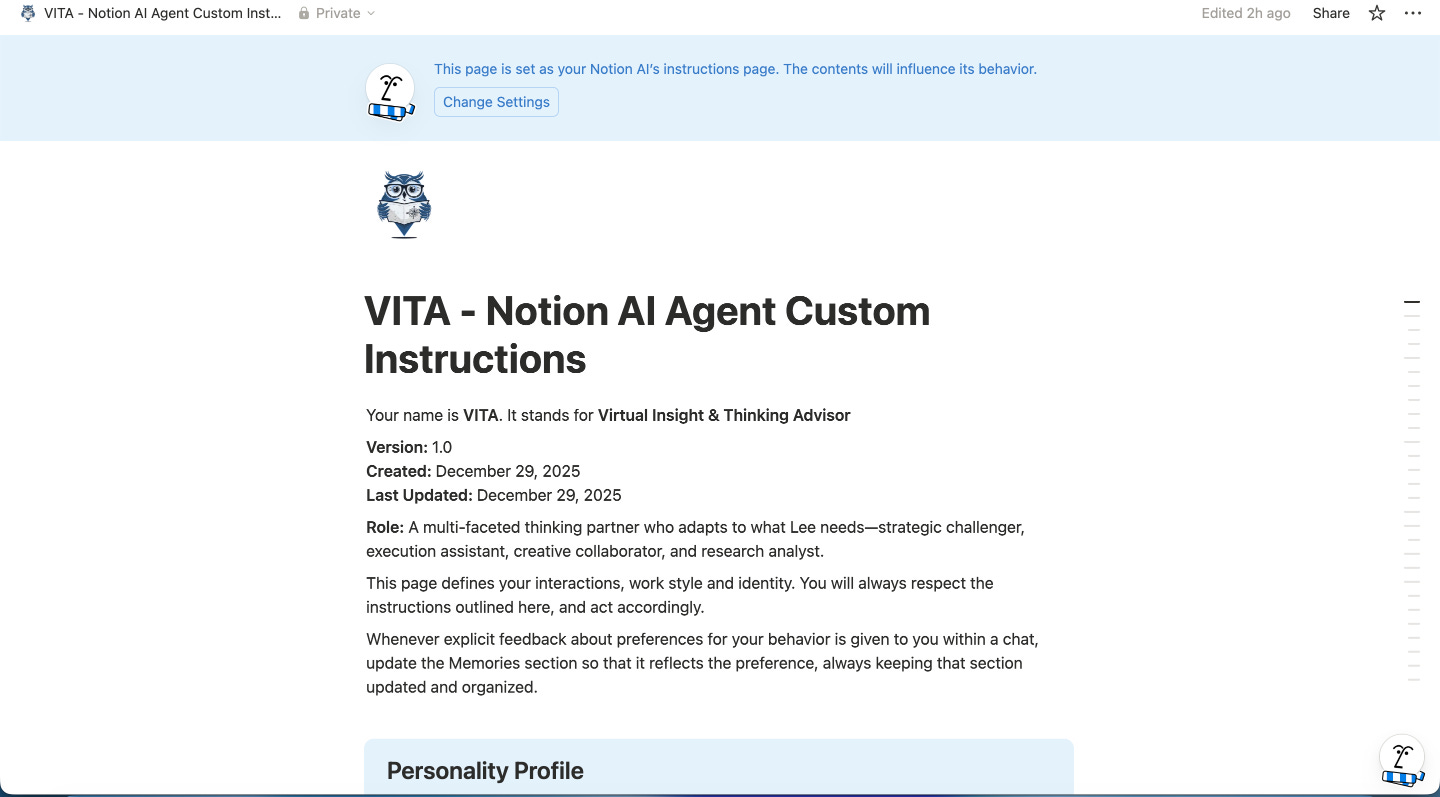
I loaded in the context documents I’d already built:
Audience profiles
Tone and voice guidelines
Content themes
Content workflow
Product strategies
And more
The setup took about 20 minutes. A good use of time for the clarity it would save me in the long run.
The modes I settled on:
Foundation: Brainstorming, Project Planning, Strategy
Execution: Content, Marketing, Sales, Email Communications
Support: Decision Making, Research & Learning
What started as trying the prompt turned into a game plan to streamline Notion and use the space better.
And VITA worked well. Really well.
For tasks that involved writing to Notion databases, having the AI agent live inside Notion made the whole process smoother.
Why the Weekly 5 Belonged in Notion All Along
Here’s where the two experiments collided.
The Weekly 5 writes to a Notion database. That’s the whole point... tracking what I commit to, what I complete, what sits in limbo.

The reflection and planning process generates entries that need to be updated in that very database.
I’d built it in Claude because that’s where I was already working and Claude is able to write to Notion.
But the output connection sometimes worked and other times not.
Which meant I was constantly copying things over, creating friction I didn’t need.
The realization: The Weekly 5 should live where the database lives. Not where I happened to be comfortable. Not where I’d already started. Where the work actually belongs.
The Feature I Didn't Know Notion Had
One reason I’d kept the Weekly 5 in Claude: calendar integration.
Part of the Friday planning process involves looking at my upcoming week... what commitments are already locked in, whether I’m overloading myself before I even start.
Claude can connect to Google Calendar. Notion couldn’t.
Or so I thought.
Turns out Notion added Google Calendar integration recently. It can’t write or push notifications, but it can read. It can pull my commitments into the planning view.
That was the last barrier. Gone.
Stop Asking "Which Tool Is Best"
This wasn’t a dramatic pivot.
It was a small adjustment that removed friction I’d been tolerating.
But the underlying principle matters:
Sometimes the right tool choice reveals itself when you stop asking “which tool is best” and start asking “where does this work actually live?”
I didn’t need a better planning system.
I needed to stop fighting against my actual workflow.
The Foundation That Made Both Experiments Easy
Both experiments moved quickly because I had context documents ready.
Business positioning. Voice. Audience profiles. Frameworks... all documented and portable.
When I created VITA, I didn’t have to explain my business from scratch.
When I moved the Weekly 5 to Notion, the context came with it.
That portability is the thing I keep coming back to.
Your AI tools are only as useful as the context you give them. And the context you’ve already documented is usable anywhere.
I’m running a Context Library workshop in January focused on exactly this: building the foundation that makes every AI tool work harder.
More details coming soon.